Manage your devices
When you join an organization, your computer is automatically added as a new device so you can securely access Parsec.
For enhanced security, the devices you use to access Parsec are uniquely authenticated. It is highly recommended to add another device in case you lose access to your computer or cannot log in for any reason.
Warning
Device keys are safely stored on your computer and are not sent to the Parsec server.
Without having added another device, your account cannot be recovered in the event you lose access to your computer. You will need to be re-invited to join the organization.
We strongly encourage you to create a recovery file.
Add a new device
You can add a new device from your profile page.
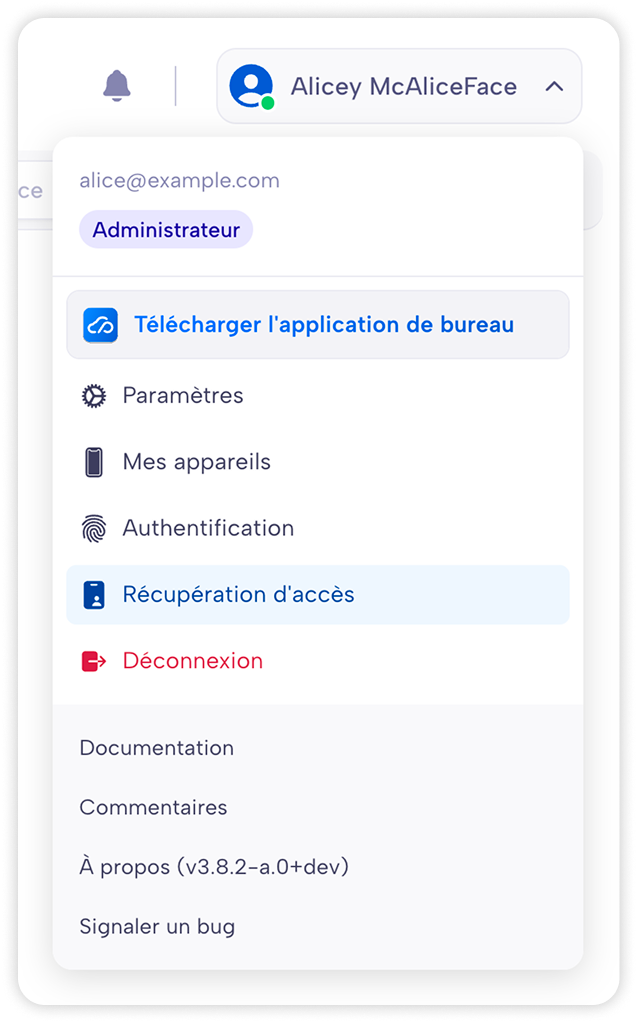
Click on your name on the main menu (top-right) and select
My devices.In
My devicestab, click+ Add a new device.
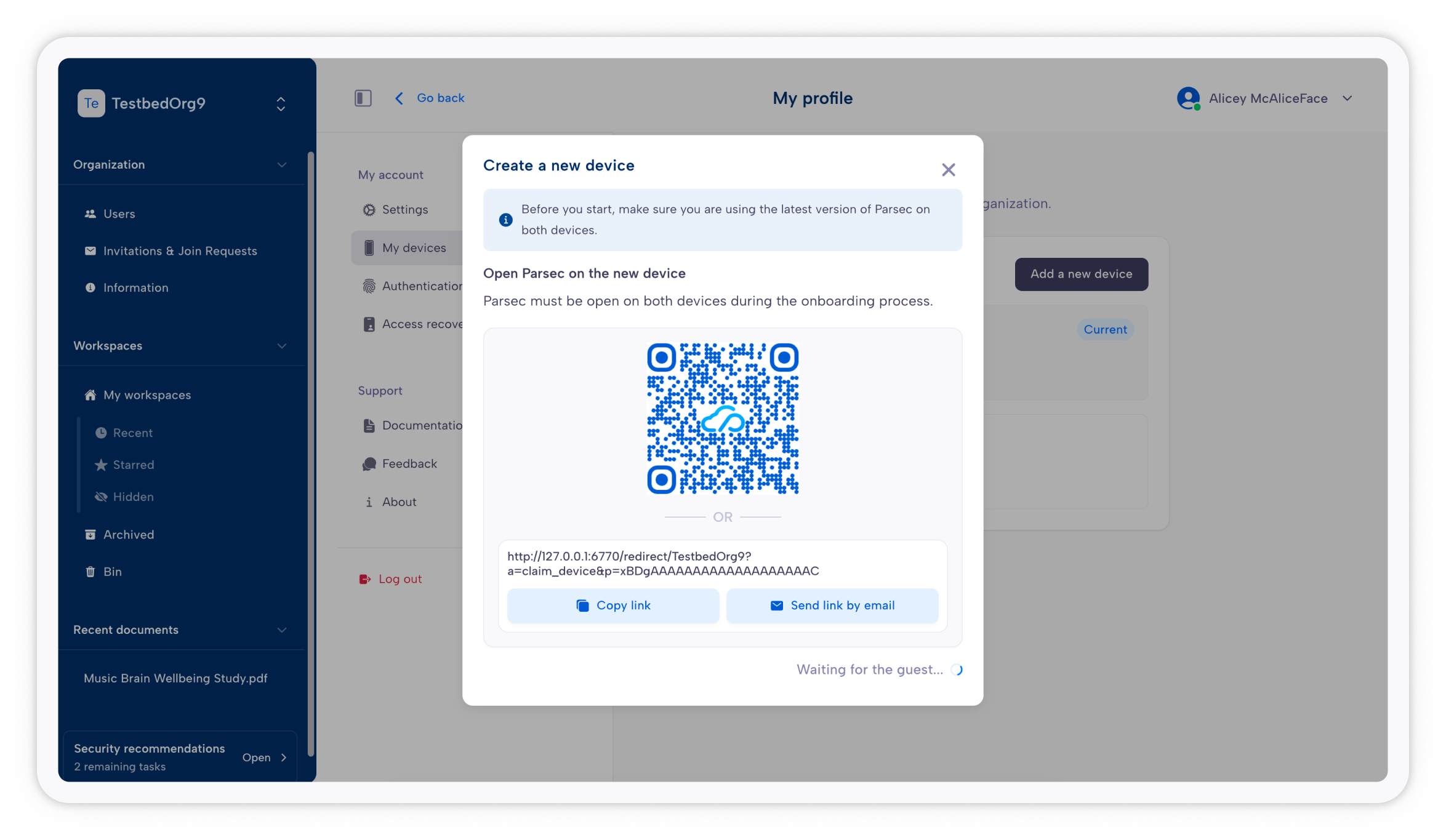
Send the link to your new device, either by email or by any other means. Always verify the link.
Important
If you do not trust the link, do not proceed.
Once the verification done, on the new device, you can simply click on the link to start Parsec. Otherwise, you can copy the link, start Parsec and select
Joinin the welcome page (the application should have pre-filled the link with the clipboard content, but you can manually paste it). Then you follow the instructions to perform the code exchange between your devices.
Caution
Always keep an eye on both devices during the process and not let anyone interfere. This includes notably the step of copying the link to the new device.
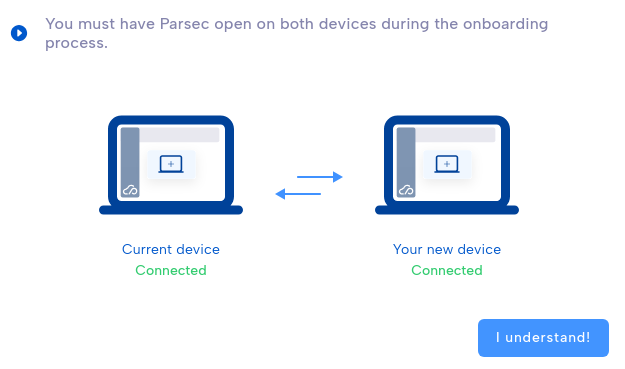
Your new device is ready to access Parsec!
Caution
If one of the codes to share is not present in the other’s list, it means there is a very high probability you are victim of a Man-in-the-middle attack.
Recovery files
A recovery file allows you to get back access to your data in case your forgot your password or lose your computer.
You will need:
the Recovery File, ending with .psrk
the Secret Key, a passphrase composed of letters and numbers separated by dashes.
The Secret Key is used to unlock the Recovery File and get access to your data.
Note
A recovery file is linked to a specific organization. If you have multiple organizations, you need to create multiple recovery files.
Caution
If someone gets access to both the recovery file and the secret key, they can get full access to your data as if they were you. We strongly recommend storing them separately in a safe place. They are as precious and secret as your password.
Create a recovery files
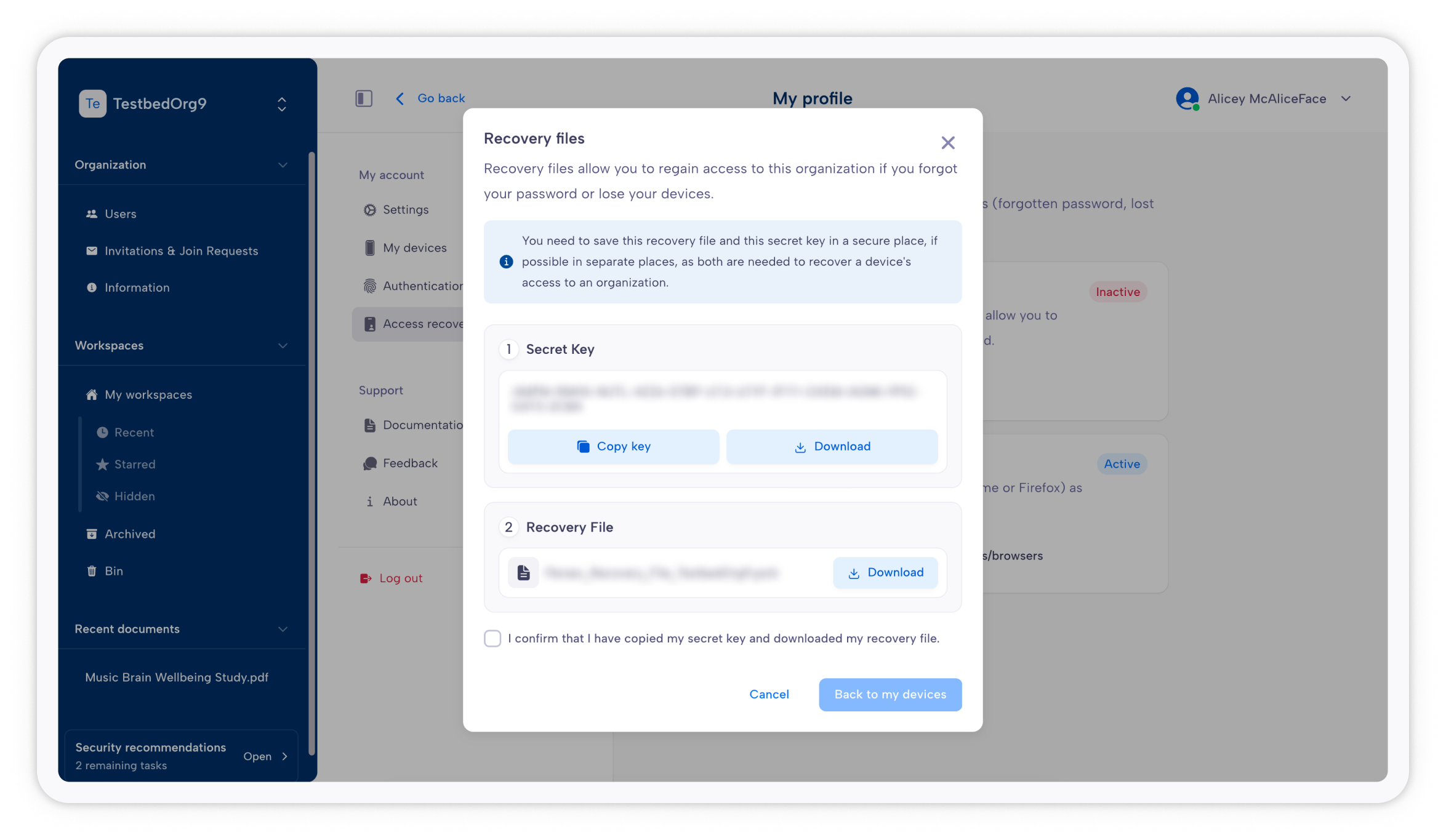
When you access your profile, in the Recovery file page, click on Create a recovery file.
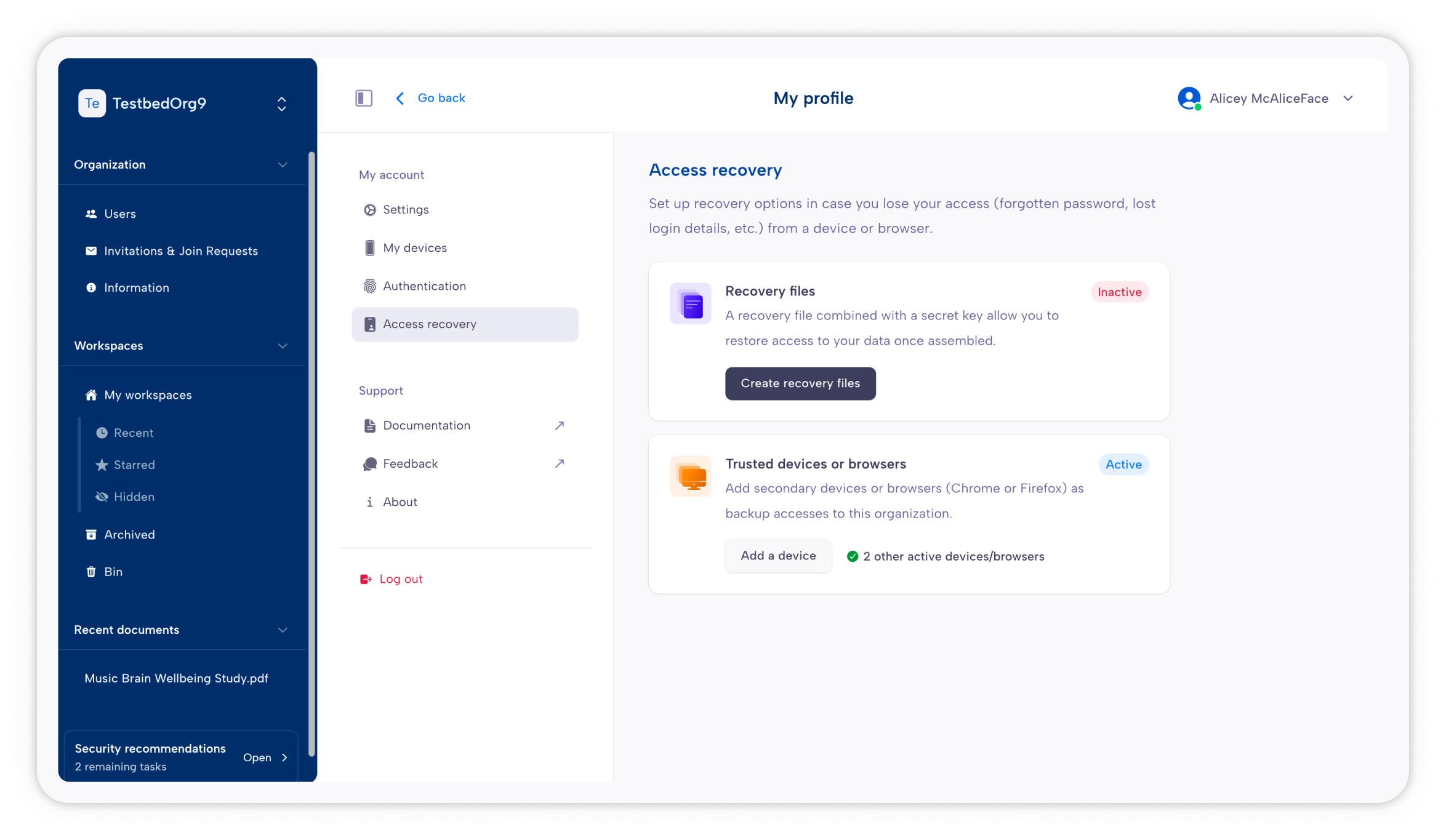
You’ll be able to download both the Recovery File and the Secret Key. Make sure to get them both.
Caution
As mentioned before, these two files combined will allow someone to access your data. Store them separately and don’t let someone access them.
Use a recovery file to get back access
If you forget your password and you have both the Recovery File and the Secret Key, you can use them and gain access back.
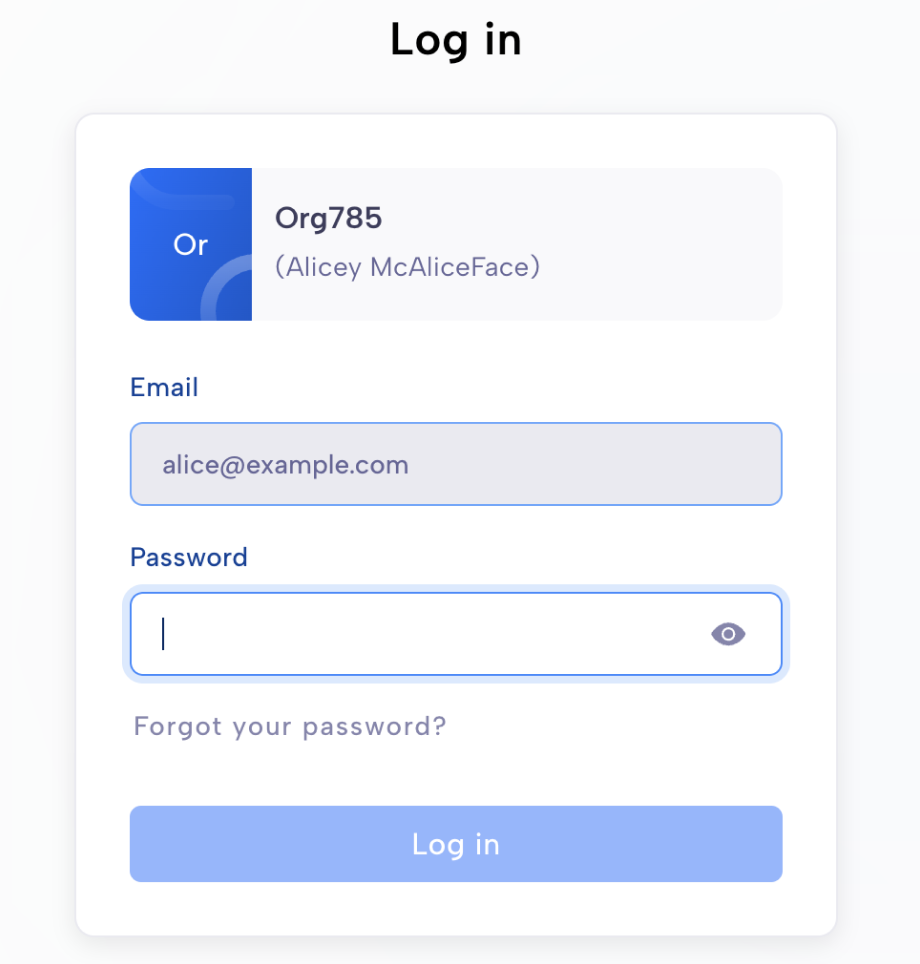
When trying to log in, click on Forgot your password?.
You will be able to import the Recovery File and type in the Secret Key.
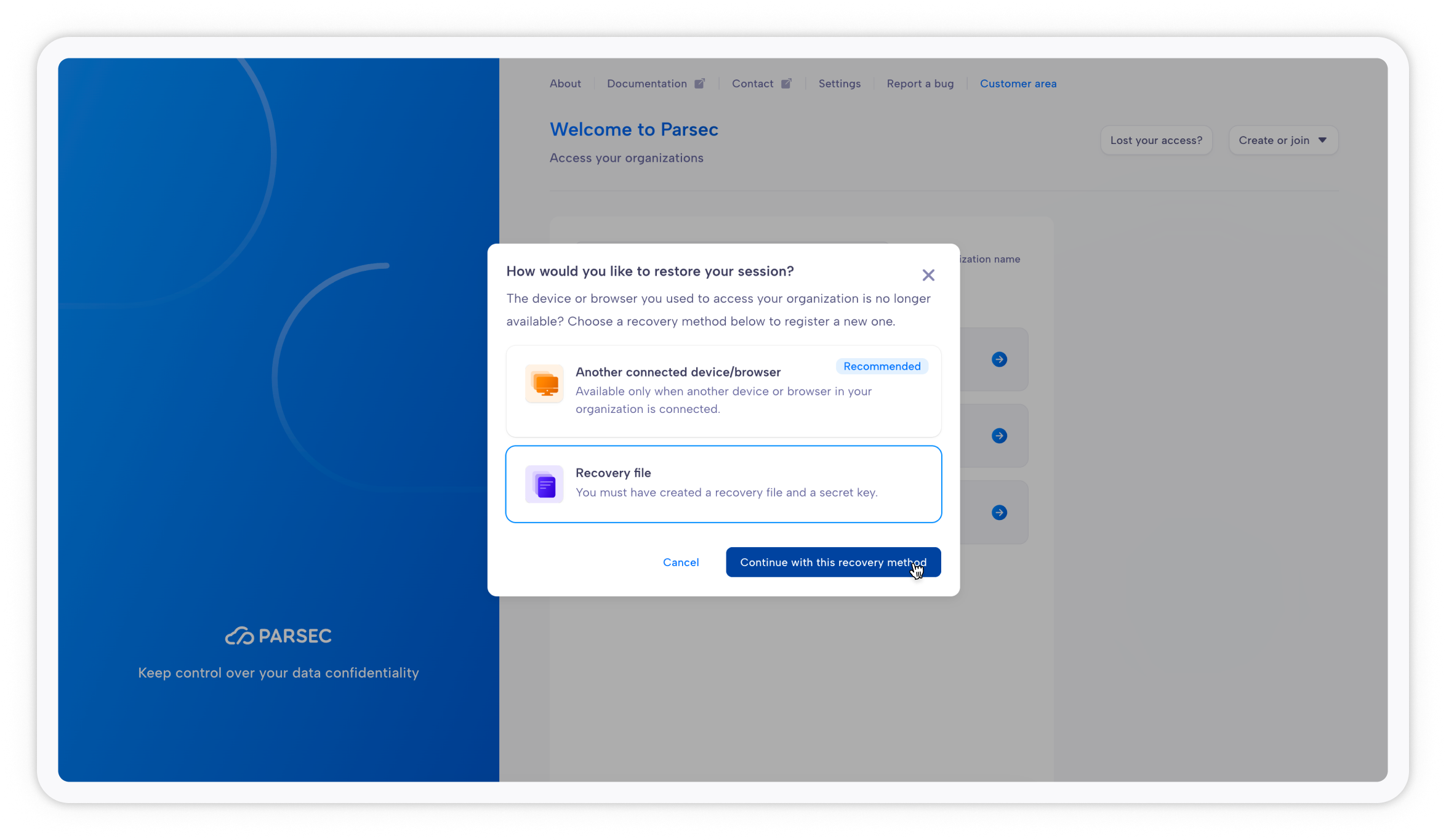
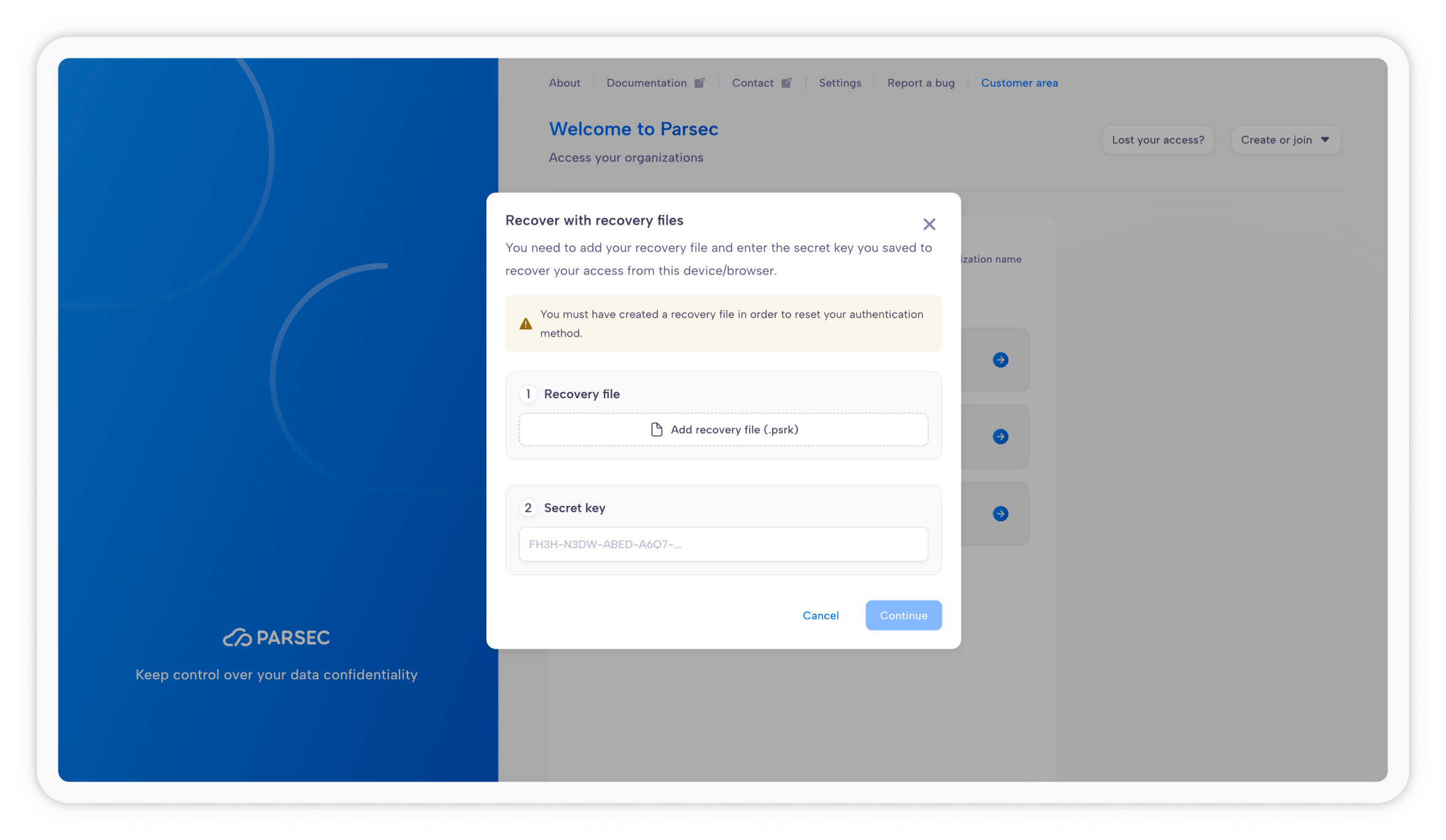
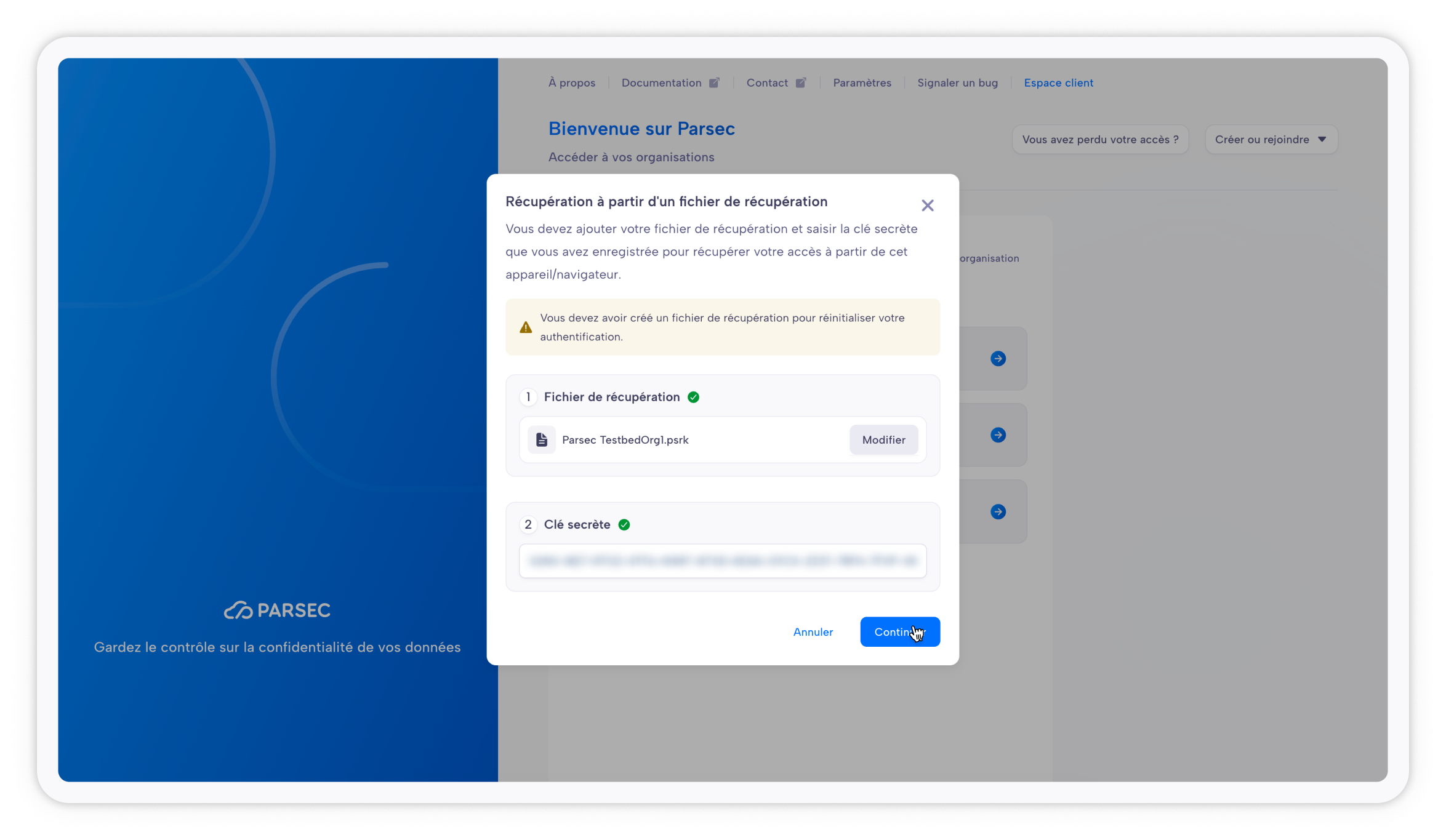
Once imported, Parsec will create a new device and you will be able to log into your organization by clicking Next.