Manage your devices
When you join an organization, your computer is automatically added as a new device so you can securely access Parsec.
For enhanced security, the devices you use to access Parsec are uniquely authenticated. It is highly recommended to add another device in case you lose access to your computer or cannot log in for any reason.
Warning
Device keys are safely stored on your computer and are not sent to the Parsec server.
Without having added another device, your account cannot be recovered in the event you lose access to your computer. You will need to be re-invited to join the organization.
Add a new device
You can add a new device from your profile page.
Click on your name on the main menu (top-right) and select
My Profile.In
My devices, click+ Add.

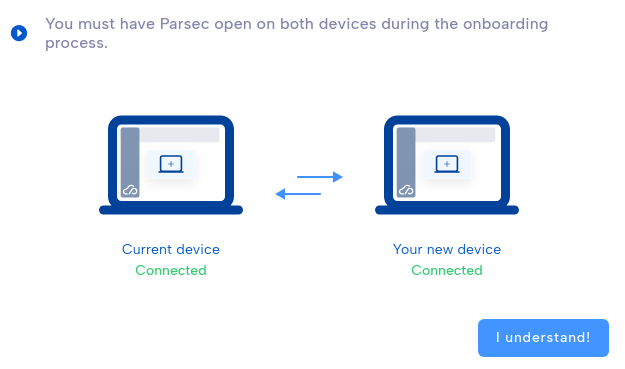
If you send the device invitation link by mail, simply click on the link in the new device to start Parsec. Otherwise start Parsec on the new device and select
Joinin the welcome page.Paste the device invitation link and follow the instructions to perform the code exchange between your devices.
Your new device is ready to access Parsec!
Caution
If one of the codes to share is not present in the other’s list, it means there is a very high probability you are victim of a Man-in-the-middle attack. You can read more about that process at the Cryptography section.